Bot Quickstart Guide
A setup guide for developers running automated trading bots against the ANDX exchange. All technical details, including request formats, signing, and headers, live in the API reference at docs.andx.one — This page outlines the sections to read and the sequence to follow.
STEP 1: SIGN UP & COMPLETE KYC
To set up your bot, first create an AndX account using the link https://platform.andx.one/sign-up
Next, complete the KYC verification process.
After logging in, navigate to Settings → Verification and follow the on-screen instructions to complete your KYC verification.

STEP 2: COLLECT API & AUTHENTICATION CREDENTIALS
Gather two sets of credentials before placing any trade.
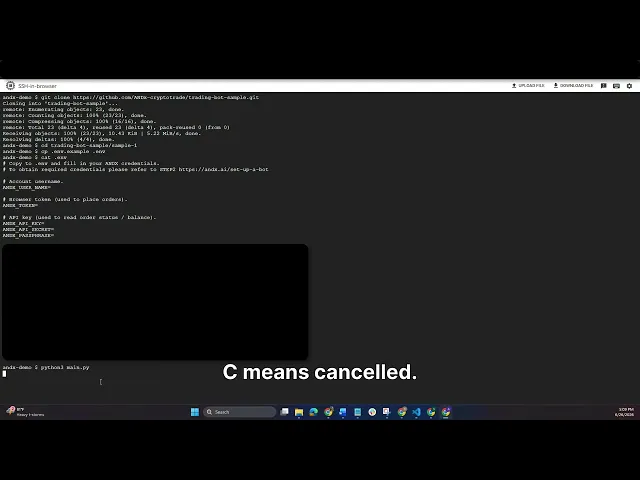
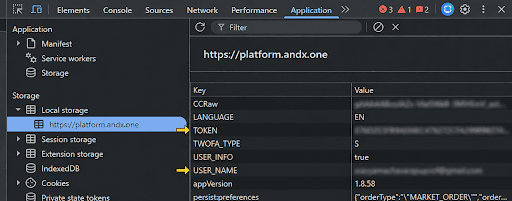
(a) Your USER_NAME and TOKEN
These values will be available to you by following steps below.
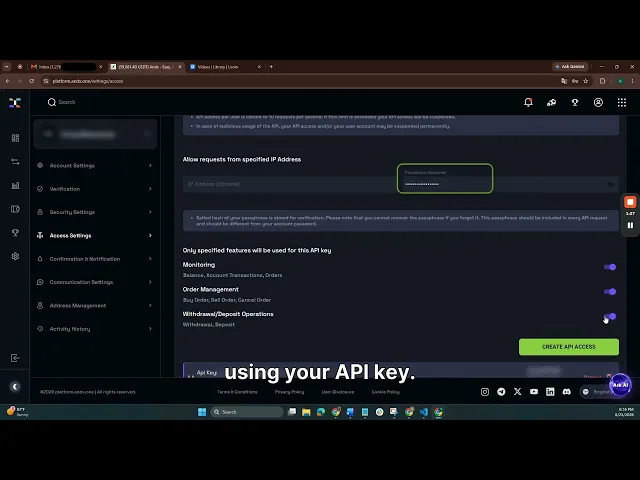
(b) Your API key + secret + passphrase
API keys authenticate the private endpoints (order status, balances).
Go to your ANDX access settings: https://platform.andx.one/settings/access
Generate a new API key. ANDX issues an API Key and Secret Key, and you choose a Passphrase at creation. Save all three immediately — the Secret is shown only once.
Check your inbox for the confirmation email from ANDX and click the verification link to activate the API key.
Full headers and signing details refer to : https://docs.andx.one/#authentication
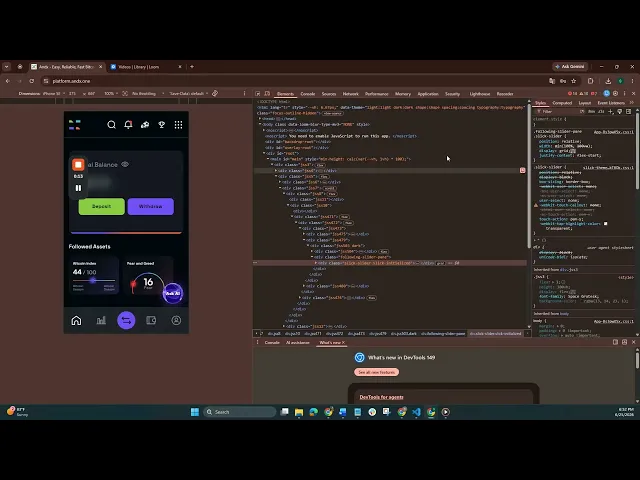
Go to platform.andx.one → right-click anywhere → Inspect → Application → Local Storage → https://platform.andx.one. From the list, copy:
USER_NAME — your ANDX username for signing
TOKEN — used to sign all Instant Trade requests
Refer to the Instant Trade Authentication guide for signing requests with TOKEN and USER_NAME: https://docs.andx.one/#instant-trade-authentication
⚠️ The TOKEN rotates when your browser session expires. If your bot returns 401 Unauthorized, refresh the TOKEN from an active browser session and redeploy the bot.
STEP 3: PLACE THE TRADE
Use your TOKEN and USER_NAME to sign the Instant Trade request.
For the full request format and required fields, refer to: https://docs.andx.one/#place-instant-order
STEP 4: CHECK THE PLACED TRADE'S STATUS
Use your API Key, Secret Key, and Passphrase to sign the order status request.
After placing a trade, poll the order status endpoint to check the result
Full request details: https://docs.andx.one/#get-order-status
The status field indicates the outcome:
Status
C
Meaning
Filled — trade executed successfully
Cancelled
To access other endpoints, refer to: https://docs.andx.one/
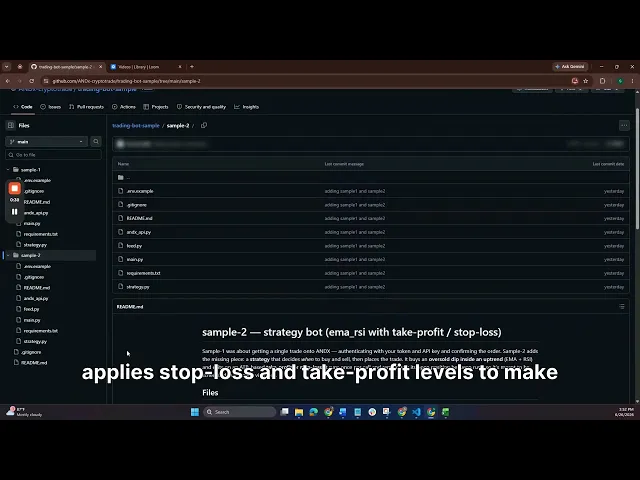
Please refer to our GitHub repository below to access the sample trading bots: https://github.com/ANDx-cryptotrade/trading-bot-sample
You can clone this repository and use it to test whether your ANDX credentials are working correctly for placing trades. The repository also includes a sample strategy bot that you can run, review, and modify based on your own trading strategy.